
Your salon
Claim your salon
4 min read
Own a salon that's already listed on Spokane Hairdressers? This guide walks you through claiming it — free, about a minute to submit — and then setting up your venue page: address, photos, description, and policies. A real person approves every claim, so there's a short wait in the middle.
Before you start
- You'll sign in with Google, Apple, or Facebook — no password to create. New here? See Create your account & sign in.
- Claim with an email connected to your business if you can — a person reviews every salon claim and cross-checks it against the salon's known contact info.
- Have a proof photo ready: your storefront with signage, your station, or a badge.
- Salon not in the directory at all? Start with Not listed yet? Get added.
Claim it
- Go to /claim/salon, type your salon's name or street into Search by salon name, street, or neighborhood…, and click Search. (Shortcut: on your public salon page, click Claim this salon — free.)
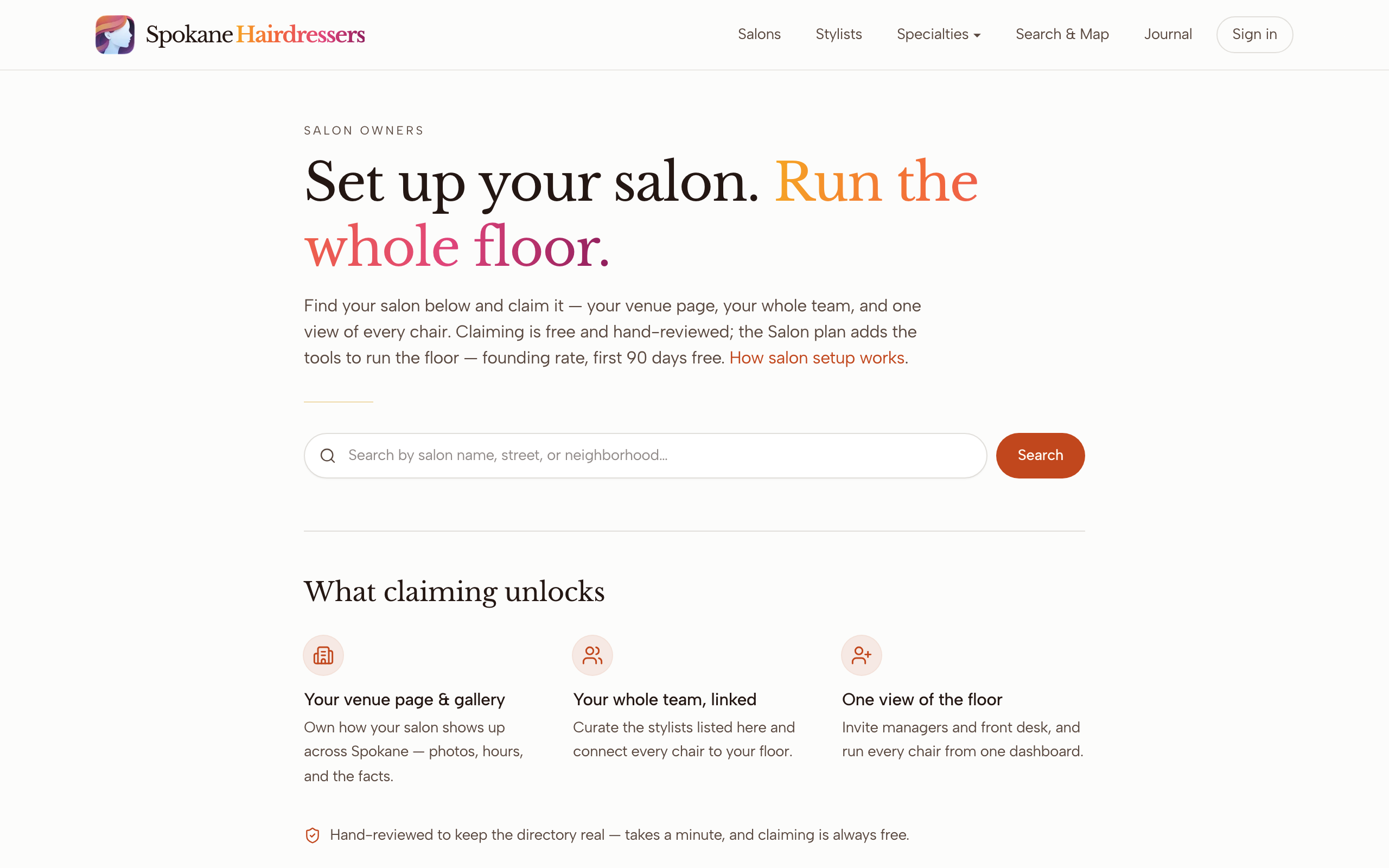
- Click your salon in the results.
- Click Sign in & claim → and sign in. The page then shows a "Claiming as" pill with your email — ownership is tied to that exact address.
- Under A Few Quick Details, enter Your name. Phone is optional.
- In Add Your Photo, click Take a photo now or Upload a photo, then Use this photo. Wait for Photo added ✓.
- Click Claim my salon →. You'll see "You're in line" — you're done for now.
- When the approval email arrives, sign in at /dashboard with the same email and click Manage salon under Salons you manage.
Set up your venue page
- In the Venue details panel, fill in Phone, Website, Address, City, State, and ZIP, then click Save details.
- In Cover photo, drag a wide storefront shot onto the dashed box, or click it to browse. It publishes right away.
- In Salon gallery, drag in photos of the space — the interior, the team, the vibe. Each shows an "In review" badge until a person approves it.
- For the salon's name, description, and policies, open your public salon page and click the round Edit profile button in the bottom-right corner.
- In the panel that opens, fill Display name, Description (the blurb under the salon name), and Good to know (cancellation, deposits, consultations). Click Save details, then Done.
- Back on the dashboard, click View public any time to see the live page.
Ready to link your stylists and invite help? That's Run your salon page.
Good to know
Waiting on approval
Salon claims get extra scrutiny, because approval hands over the whole venue page. The answer comes by email — the subject starts "You're approved" — so check spam too. There's no status page in between; if it's been more than a couple of business days, email mail@spokanehairdressers.com.
The claim button won't click
Claim my salon → stays grayed out until you've added both your name and the proof photo. Look for Photo added ✓ above the button.
The photo checker mentions a face
The photo box grades portraits, so a storefront shot may leave "Clear, centered face" unchecked. That's fine — for a salon claim, a clear storefront or station photo is exactly right. Only the "at least 400×400px" size warning actually blocks you.
Your salon shows "Claimed" in the search results
Someone already owns the page — maybe a previous owner or manager. Email mail@spokanehairdressers.com from your salon's public address and a person will sort it out.
The dashboard looks empty after approval
Access is tied to the exact email you claimed with. If you see "No profile linked yet," you're signed in with a different account — check which address the approval email went to and sign in with that one.
You can't find the description or policies fields
Those live only behind the Edit profile button on your public salon page, not on the dashboard. Bottom-right corner, round button.
You run the venue — your stylists run themselves
The cover, space photos, address, and policies are yours. Each stylist owns their own portrait, bio, services, and work photos, and edits them from their own dashboard — so the salon gallery is for the space, not finished hair. Adding stylists to your roster is covered in Run your salon page.
Stuck on something this guide didn't cover? Tell us — a real person reads every message.