
Getting started
Create your account & sign in
3 min read
Your first sign-in is the whole setup — no signup form, no password to invent, nothing to verify by email. It takes about a minute at spokanehairdressers.com, and it works fine from your phone between clients.
Before you start
- Have a Google, Facebook, or Apple account ready — ideally the one attached to the email you use for your business. That email becomes your account here.
Sign in for the first time
Go to spokanehairdressers.com and tap Sign in in the top-right corner.
Tap Continue with Google, Continue with Facebook, or Continue with Apple — whichever one holds your business email.
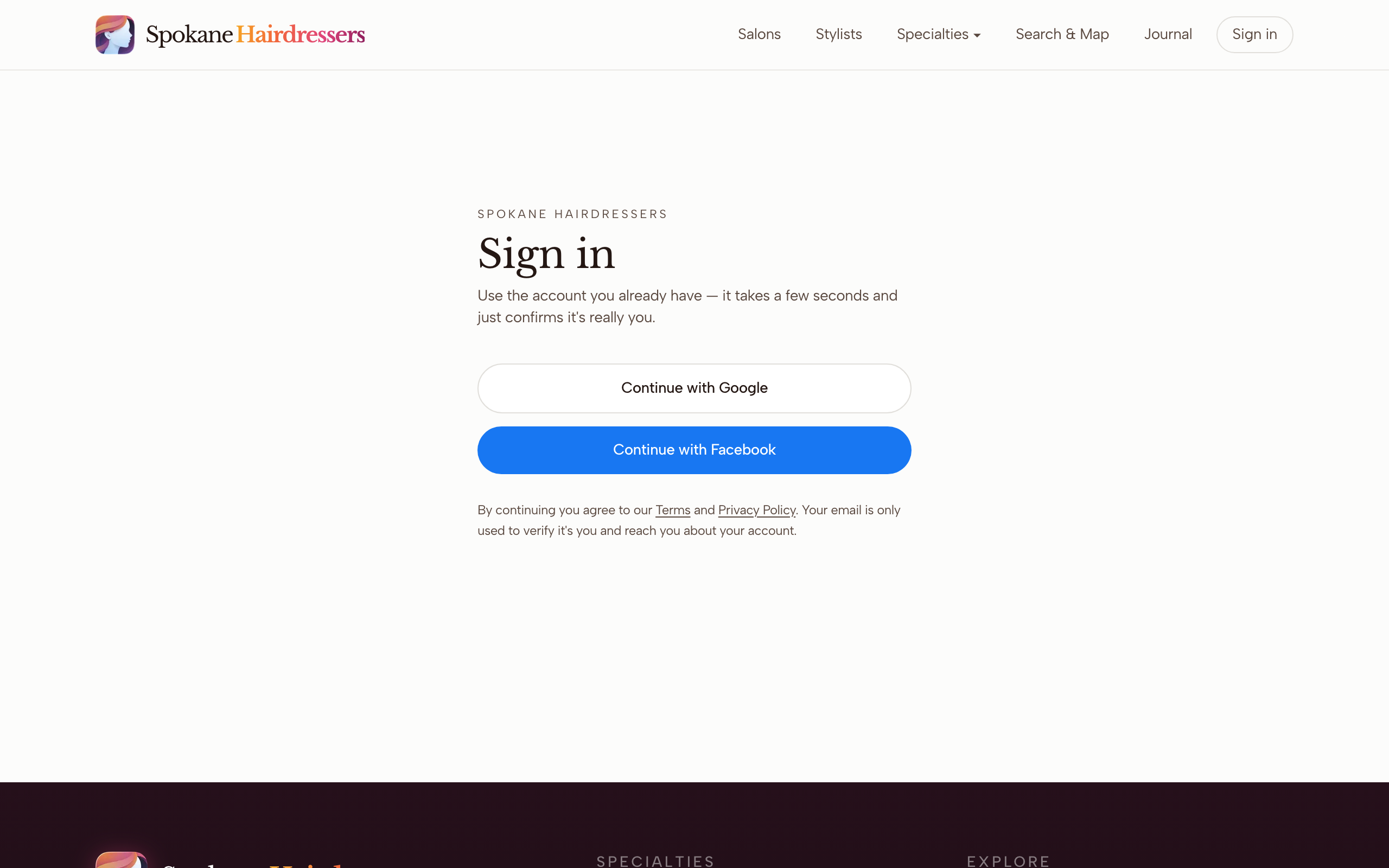
Approve the sign-in on Google, Facebook, or Apple's own screen. If it lists more than one account, pick the one with the email you use for work.
First time in, the site asks What brings you here? Tap I'm a stylist or salon, then Continue. This question appears once — it sets your home base on the provider side, where your profile, gallery, and bookings live. The other card sets you up as a client instead.
You'll land on your dashboard at /dashboard. If it says No profile linked yet, your next step is claiming your profile — or getting added if you're not in the directory yet.
That's the whole account. Next visit, tap Sign in and press the same button — your phone stays signed in for about a month at a time.
Good to know
Your email is your account
Always sign in the same way you did the first time. If you press a different button next visit — Google one day, Apple the next — and it hands the site a different email, you'll see what looks like a brand-new empty account, and your profile seems to vanish. It didn't: sign out (your photo in the top-right, then Sign out) and sign back in the original way. Apple users who chose Hide My Email: that hidden address is your account, so keep using the Apple button forever.
Ended up back on the sign-in page?
That means the Google, Facebook, or Apple step got cancelled — usually a mis-tap, or the wrong account picked partway through. Nothing's broken. Press the button again and choose the account with your business email.
Looking for "Create account" or "Forgot password"?
There isn't one, on purpose. Your first sign-in creates the account automatically, and there's never a password for Spokane Hairdressers itself — so there's nothing to reset. If a form is what you were hunting for, Continue with Google (or Facebook, or Apple) is the form.
Tapped "I'm looking for a stylist" by mistake?
The question doesn't come back, but the fix is easy: find your own listing in the directory and claim it — claiming your profile switches you to the provider side automatically. Stuck? Email mail@spokanehairdressers.com.
Stuck on something this guide didn't cover? Tell us — a real person reads every message.