
Getting started
Claim your stylist profile
3 min read
Your page on Spokane Hairdressers is probably already live — clients can see it right now. Claiming it takes about two minutes on your phone: a quick sign-in, a few details, one photo. A real person then reviews your claim by hand, and once you're approved, the page is yours to run.
Before you start
- Make sure you're listed. Search your name in the stylist directory. Not there yet? Start with Not listed yet? Get added instead.
- Pick a sign-in account you'll keep — Google, Apple, or Facebook. The email on that account becomes the key to your profile, so don't use a work account you might lose.
- Have a recent photo of yourself handy. A phone selfie works.
Claim your profile
Open your page in the directory. In the box that says Is this you, [your name]?, tap Claim your chair — free.
On the claim page, tap Sign in & claim →.
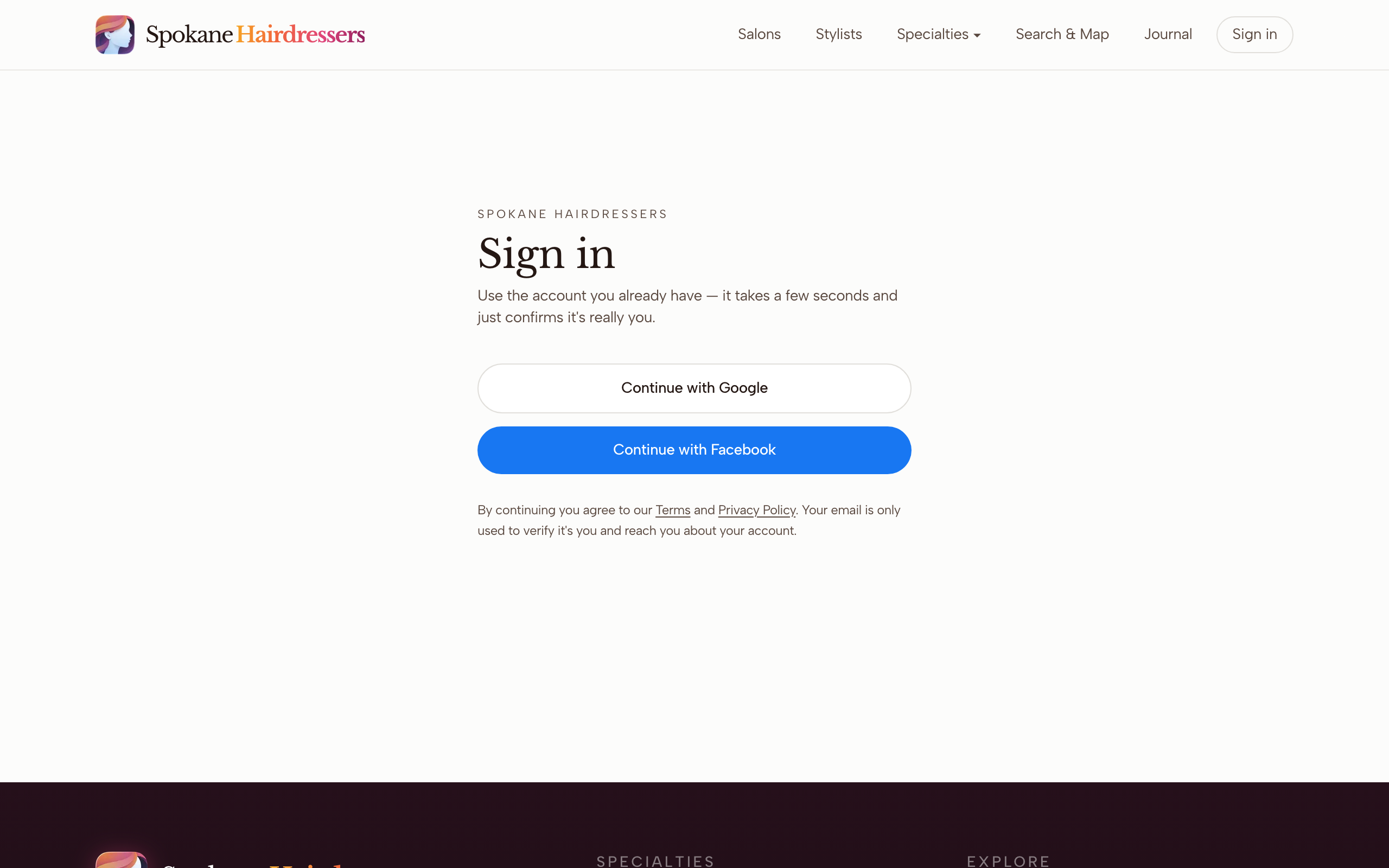
Pick Continue with Google, Continue with Apple, or Continue with Facebook — whichever account you'll keep using.
Back on the claim page, check that the Claiming as line shows the email you meant to use.
Fill in Your name, Phone (optional), and Where you work. Start typing your salon and pick it from the list — if it isn't there, tap + Add. That just notes the name for the reviewer; nothing new gets created.
Under Add Your Photo, tap Take a photo now or Upload a photo, then Use this photo. Any recent shot of you facing the camera in decent light is right — the background gets polished into the site's look, so don't fuss over your wall. Once approved, this exact photo becomes your public portrait.
Tap Claim my chair →. When you see You're in line, you're done for now.
What happens next
Every claim is reviewed by a real person — that's what keeps the directory real. When yours is approved, you'll get an email from mail@spokanehairdressers.com with a subject that starts "You're approved." Sign in at your dashboard with the same account you claimed with, and the page is yours: your portrait and gallery, your services and prices, and commission-free online booking whenever you want it. A good first stop is Edit your profile.
My claim hasn't been approved yet
Hand review takes a little time, and there's no status page — the answer arrives by email. Check spam and promotions tabs for a message from mail@spokanehairdressers.com. If you open your dashboard before approval, it says No profile linked yet — that's normal and doesn't mean your claim was lost, so don't submit again. More than a few days with no word? Email mail@spokanehairdressers.com.
The photo step is fighting you
If Take a photo now can't open your camera, just use Upload a photo instead. The only thing that actually blocks you is a photo smaller than 400×400 pixels — anything straight off a phone is far bigger than that. A dash next to Clear, centered face on some phones is fine; it's a guide, not a fail.
The dashboard is empty after approval
Ownership is tied to the exact email you signed in with when you claimed. If you claimed with Google and later signed in with Apple (especially with Apple's Hide My Email turned on), the dashboard won't find your profile. Check which address your approval email went to, and sign in with that same button and account.
Someone already claimed my profile
If the claim page says This profile has already been claimed, someone else — or an old account of yours — holds it. Email mail@spokanehairdressers.com from an address that shows it's really you, like your salon or booking-page email, and a real person will sort out the transfer.
Stuck on something this guide didn't cover? Tell us — a real person reads every message.