
Getting started
Not listed yet? Get added
2 min read
Not in the directory yet? Adding yourself — stylist or salon — takes about two minutes at spokanehairdressers.com/suggest, no account needed. A real person reviews every submission, and the moment your listing is live you'll get an email with a link to claim it and make it yours.
Add yourself
Go to /suggest and choose A stylist or barber or A salon or shop.
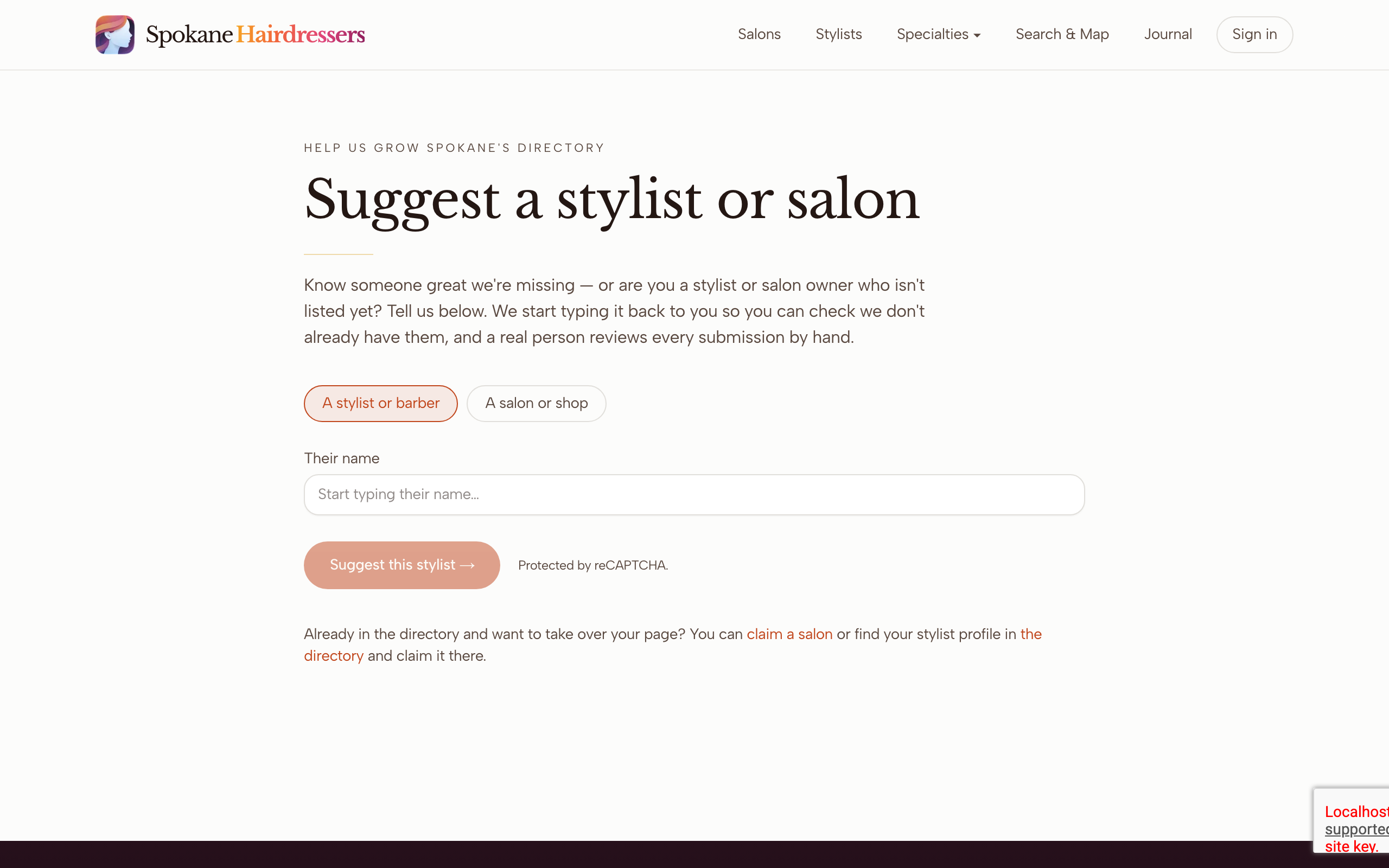
Start typing in Their name (or Salon name) and watch the list under Already listed?. If your name appears, you're already in the directory — tick the owner box, pick your name, and use Claim this profile → or Claim this salon → instead. Claim your stylist profile and Claim your salon walk you through it.
Not listed? Tick This is me — I want to add and claim it. (for salons, This is my salon — I want to add and claim it.). That box is what tells us to email your claim link once you're live.
Fill in what you know — salon, neighborhood, Instagram, website or booking link, phone. All optional, and everything you add lands on your new page.
Enter Your email. This one matters: it's the only way your claim link can reach you. Signed in already? The form shows Submitting as your email and you can skip this.
Click Suggest this stylist → (or Suggest this salon →). When you see Thank you — got it., you're done for now.
What happens next
A real person reviews your submission by hand. Once it's approved, your listing goes live and the email arrives — Your Spokane Hairdressers listing is live for stylists, Your salon is live on Spokane Hairdressers for salons. The link inside starts the claim, which gets its own quick hand review.
If you left the email blank
With no email and no sign-in, we can't send your claim link — your listing can still go live, but you won't hear about it. Watch the directory for your name and use the Claim your chair — free button on your new page, or write to mail@spokanehairdressers.com.
Two reviews is normal, not a glitch
Getting added and claiming are separate steps: the first makes your page live, the second — after you click your claim link and add your photo — hands you the keys. Each one confirms by email, so check spam for mail from mail@spokanehairdressers.com.
Salon owners: your email opens a search page
The salon claim link opens a search with your salon's name already typed in. That's a results list, not the claim form — click your salon in the list to open the real claim page.
Stuck on something this guide didn't cover? Tell us — a real person reads every message.