
Bookings & payments
What your clients see
5 min read
Ever wonder what booking with you looks like from your client's phone? This guide walks the whole client side — finding you, booking, paying, cancelling, reviews, and favorites — then shows you how to read the numbers it leaves behind. About a five-minute read.
How a client books you
Once online booking is on and payments are connected, here's the trip your client takes:
They land on your profile — from browsing, search, or Google — and tap Book appointment →.
On What are we booking? they pick a service. Each card shows the name, the minutes, and the price from your services menu — exact prices show as-is, and a true range shows as "from $X".
On Pick a time they choose a day from the two-week strip, then a time under Morning, Afternoon, or Evening. Tapping a time holds it for about 10 minutes so no one else can grab it while they check out.
On Almost yours they enter Your name, Email, and optionally Mobile (optional). No account needed.
If you collect payment, the card box appears — a deposit or Card on file, with your cancellation terms spelled out before they commit. The charge runs on your own Stripe account: you're the merchant, the money goes straight to you, you pay Stripe's standard processing rate, and Spokane Hairdressers takes 0%.
They tap Pay $X & book (deposit) or Confirm booking (card on file, or no payment).
You're booked! shows their Confirmation code, plus Add to calendar and Get directions. A confirmation email follows with the code and their cancel link, and email reminders go out 24 hours and 2 hours before the visit.
The booking lands in your appointments list the moment it confirms.
When a client cancels
Their confirmation email holds a private cancel link — no sign-in needed. The page recaps the visit and states the money outcome before they commit: a full refund outside your cancellation window, or the deposit kept inside it. They tap Yes, cancel my appointment and the time frees up for someone else. Refunds go out right away from your Stripe account; banks add a few business days before it shows on the card. Card-on-file clients are never charged for cancelling — only a true no-show can be billed.
Clients can't move an appointment themselves. Rescheduling is yours, from your dashboard — and a change you make always keeps their deposit safe.
Reviews: who can write one
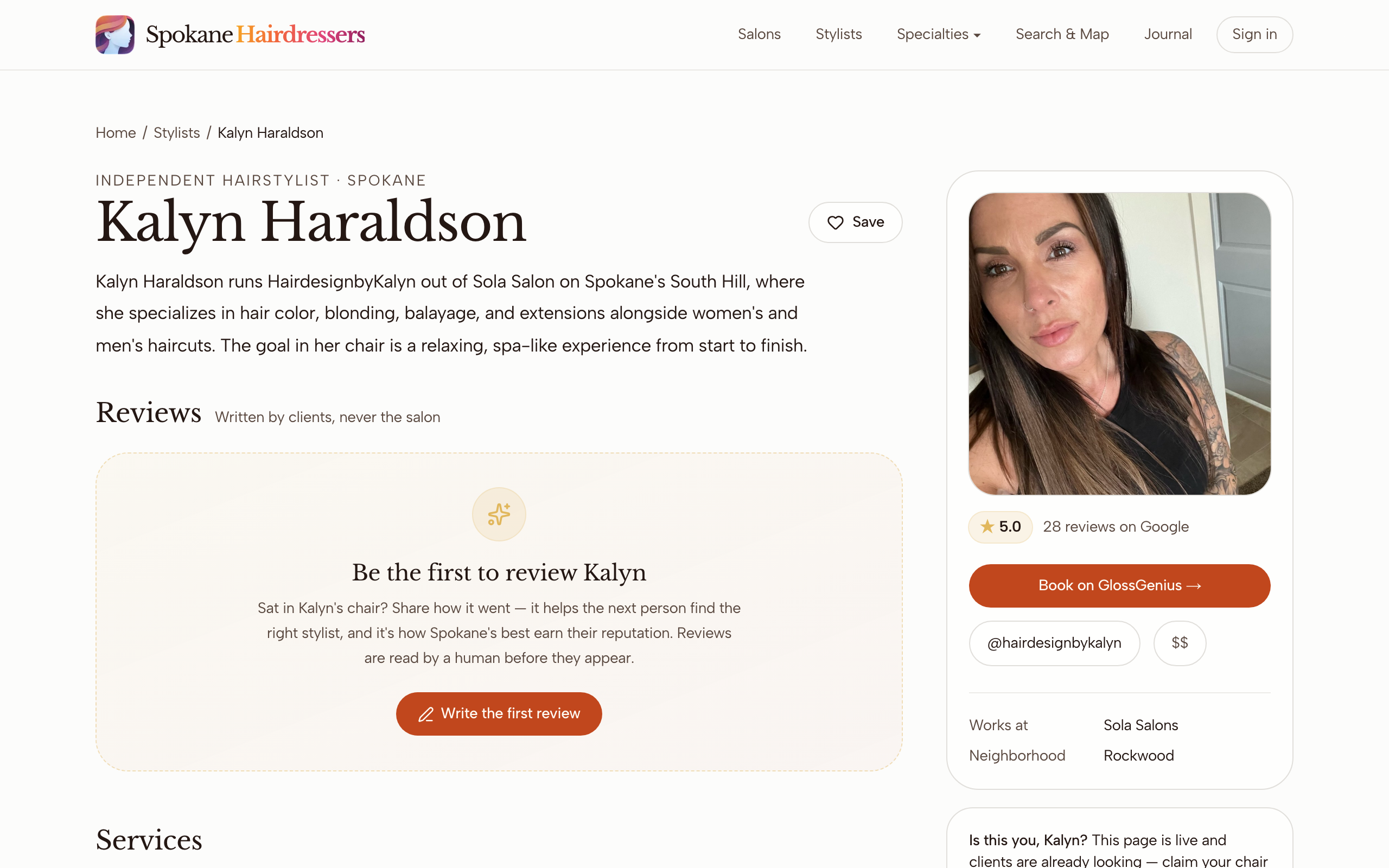
Any signed-in client can tap Write a review on your profile. They pick a star rating, write a few sentences, check This is my own genuine, first-hand experience., and submit — then a real person reads it before it goes live. You and your salon's managers are blocked from reviewing your own profile: as the page says, reviews are Written by clients, never the salon. When a reviewer signs in with the same email they booked with, the review earns a Verified visit badge automatically. You can post one public reply, shown as "Response from" your first name.
Favorites
The heart Save pill on your profile (and on cards while browsing) tucks you into the client's Saved list on their account page — right next to Your visits, their booking history with you, and Your reviews. It's how a happy client finds their way back.
Your analytics
On the Pro plan (see Plans & billing) — included free when you're linked to a salon on the Salon plan — Your analytics on your profile dashboard shows four cards:
- Profile views — unique visits to your public profile, rolling last 30 days.
- Reviews — approved reviews written on the site, with your average. Your Google stars are shown elsewhere and kept separate on purpose.
- Completed bookings — all time, with upcoming confirmed visits as the hint.
- No-shows — visits you marked as no-shows; "card-on-file protected" means the saved card backs your no-show fee.
Views reset on a rolling 30 days while booking counts build forever, so don't compare across cards. And only appointments made through your own Book appointment → button count here — if clients book you on an outside service, those cards stay at zero.
Good to know
Your Book button looks different than you expected
The site's own booking button shows only when three things are true: booking is turned on, your plan is Plus or higher, and Stripe is connected. If any one lapses, clients quietly see your external booking link or a "contact them directlyly" note instead — nothing looks broken, but it isn't your booking page. Check all three in Turn on online booking.
A client says the payment form wouldn't load
An ad blocker is almost always the culprit — it blocks Stripe's secure card form. Have them turn it off for the page or try another browser. The form is blocked, not broken.
The hold timer ran out mid-checkout
If their deposit was already charged, the booking still confirms automatically — the card is never run twice. If nothing was charged, the time is simply released and they tap Pick a time again. No charge, no penalty either way.
The bank asked to verify the card
Some banks pop up a verification step. The client finishes the bank's window first, then presses the pay button once more. The card is not charged twice.
"I never got my confirmation email"
Have them check spam for a subject starting "You're booked —". If the email is gone or the address had a typo, you can cancel or reschedule the visit from your own dashboard — they don't need the link.
A client expected a text reminder
Reminders currently arrive by email only, 24 hours and 2 hours before the visit. The phone number is stored for when text reminders launch.
A review hasn't shown up yet
Every review waits for human moderation, so a short delay is normal — the client can watch it flip from "pending review" to "published" on their account page. If it published without the Verified visit badge, they signed in with a different email than they booked with.
Stuck on something this guide didn't cover? Tell us — a real person reads every message.